
Mail Merges
Mail Merges allow bulk communications to be sent to multiple contacts at once — for example AGM notices, payment reminders or newsletters to all unit owners. Each mail merge uses a communication template and is personalised with data specific to each recipient.
Mail merges can target all contacts in an OMC or a filtered subset based on unit type, area, arrears status and other criteria. The system tracks which emails were sent, delivered and opened, giving you a full communication audit trail.
List View
Section titled “List View”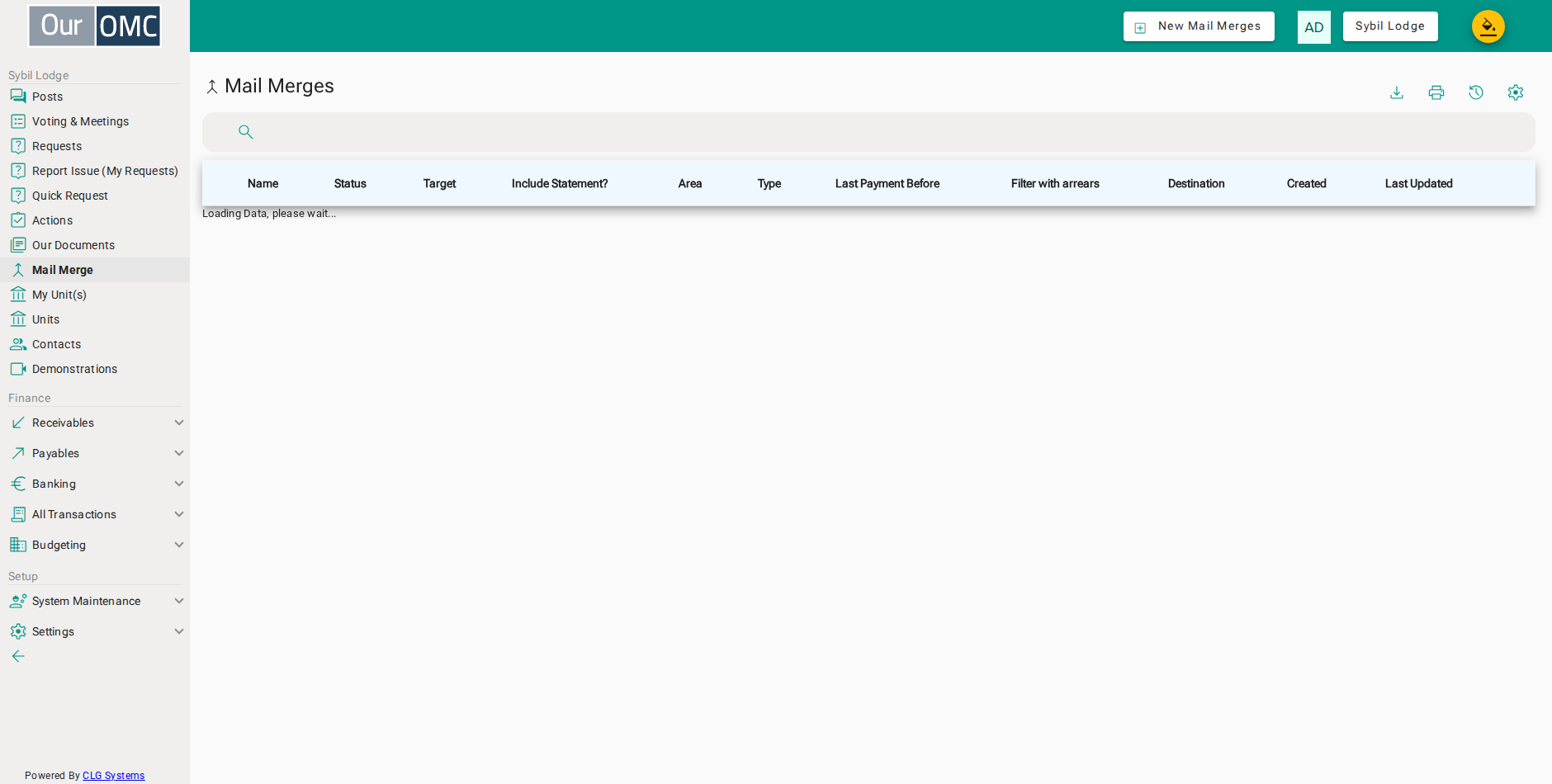
| Column | Type | Description |
|---|---|---|
| Unique Name (subject for the mail) | text | A unique name for this mail merge, also used as the email subject line. |
| Status | text | The current delivery status of this mail merge. |
| Target | picklist | The type of contacts to send to — Owners, Residents, or both. |
| Include Statement? | boolean | When enabled, an account statement is attached to each email. |
| Area | picklist | Restrict recipients to contacts in a specific area of the development. |
| Type | picklist | Restrict recipients to contacts with a specific unit type. |
| Last Payment Before | date | Only include recipients whose last payment was before this date. |
| Filter with arrears | boolean | When enabled, only contacts with outstanding arrears are included. |
| Destination | text | The email address(es) this mail merge was sent to. |
| Created | dateTime | The date and time this mail merge was created. |
| Last Updated | dateTime | The date and time this mail merge was last updated. |
Detail View
Section titled “Detail View”
| Field | Type | Description |
|---|---|---|
| Unique Name (subject for the mail) | text | A unique name for this mail merge, also used as the email subject line. |
| Content | richText | The rich text body of the email. Use merge fields to personalise each recipient's copy. |
| Target | picklist | The type of contacts to send to — Owners, Residents, or both. |
| Include Statement? | boolean | When enabled, an account statement is attached to each email. |
| Area | picklist | Restrict recipients to contacts in a specific area of the development. |
| Core | picklist | Restrict recipients to contacts in a specific core or stairwell. |
| Type | picklist | Restrict recipients to contacts with a specific unit type. |
| Category | picklist | Restrict recipients to contacts with a specific unit category. |
| Frequency | picklist | Restrict recipients to those on a specific payment frequency arrangement. |
| Last Payment Before | date | Only include recipients whose last payment was before this date. |
| Filter with arrears | boolean | When enabled, only contacts with outstanding arrears are included. |
| Minimum Arrears | number | Minimum arrears amount a contact must have to be included. |
| Created | dateTime | The date and time this mail merge was created. |
| Last Updated | dateTime | The date and time this mail merge was last updated. |