
Quick Requests
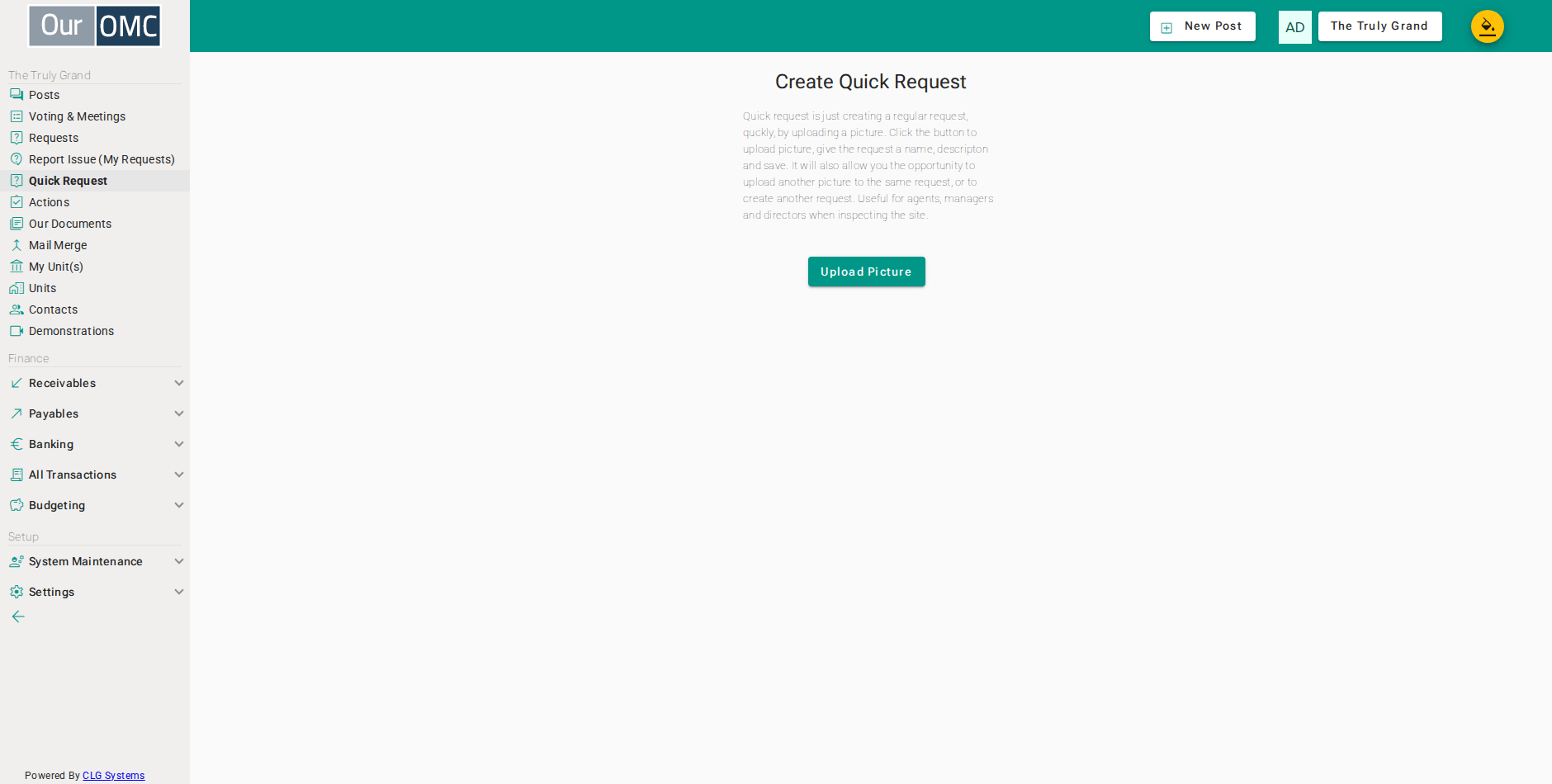
Quick Requests is a photo-first shortcut for creating service requests. Instead of navigating category menus, the manager uploads a photo of the issue first, then adds a short title and description. The request is created immediately with the image attached.
The primary use case is an agent doing a scheduled site inspection — walking the development, photographing anything that needs attention, and raising requests on the spot without leaving the site or sitting down at a desk. A single photo with a brief note is enough to log a fault and get it into the team’s queue.
How It Works
Section titled “How It Works”- Click Upload Picture and select a photo from your device or camera. Large JPEG images are automatically resized to reduce upload size.
- Add a short Title (the subject of the request) and a Description explaining what needs to be done.
- Click Create New Request. The request is saved and the photo attached in one step.
After saving, the page remains open and offers the option to add another photo to the same request, or to start an entirely new request with a fresh image — useful when multiple issues are found during a single inspection.
Examples
Section titled “Examples”Submitting a Quick Request
Section titled “Submitting a Quick Request”Photograph an issue on site, add a short title and description, and submit the request in one step — without navigating category menus.
- Click [Quick Request] on the main menu
- The Quick Request page opens immediately ready to accept a photo — click Upload Picture to choose an image from the device or camera
- The photo is uploaded and previewed — the title and description fields now appear
- Enter a short name for the request
- Describe what needs to be done — a few words is enough to give the team context
- Click Create New Request — the request is created immediately with the photo attached
- The request has been created with the photo attached — the page stays open to accept another photo for the same request, or a fresh image for a new request