
Imports
The Imports page lets you load data into your OMC in bulk from CSV files. It is most useful during initial setup, when you have existing records in a spreadsheet or a previous system.
The easiest way to create your import files is to download the Excel setup template from the OMC form (Setup action → Download Template), fill in your data, and export each sheet as a CSV. You can also build your own CSV directly — the importer maps columns to fields by header name, so matching the expected column names will auto-map most fields without any manual configuration.
Import History
Section titled “Import History”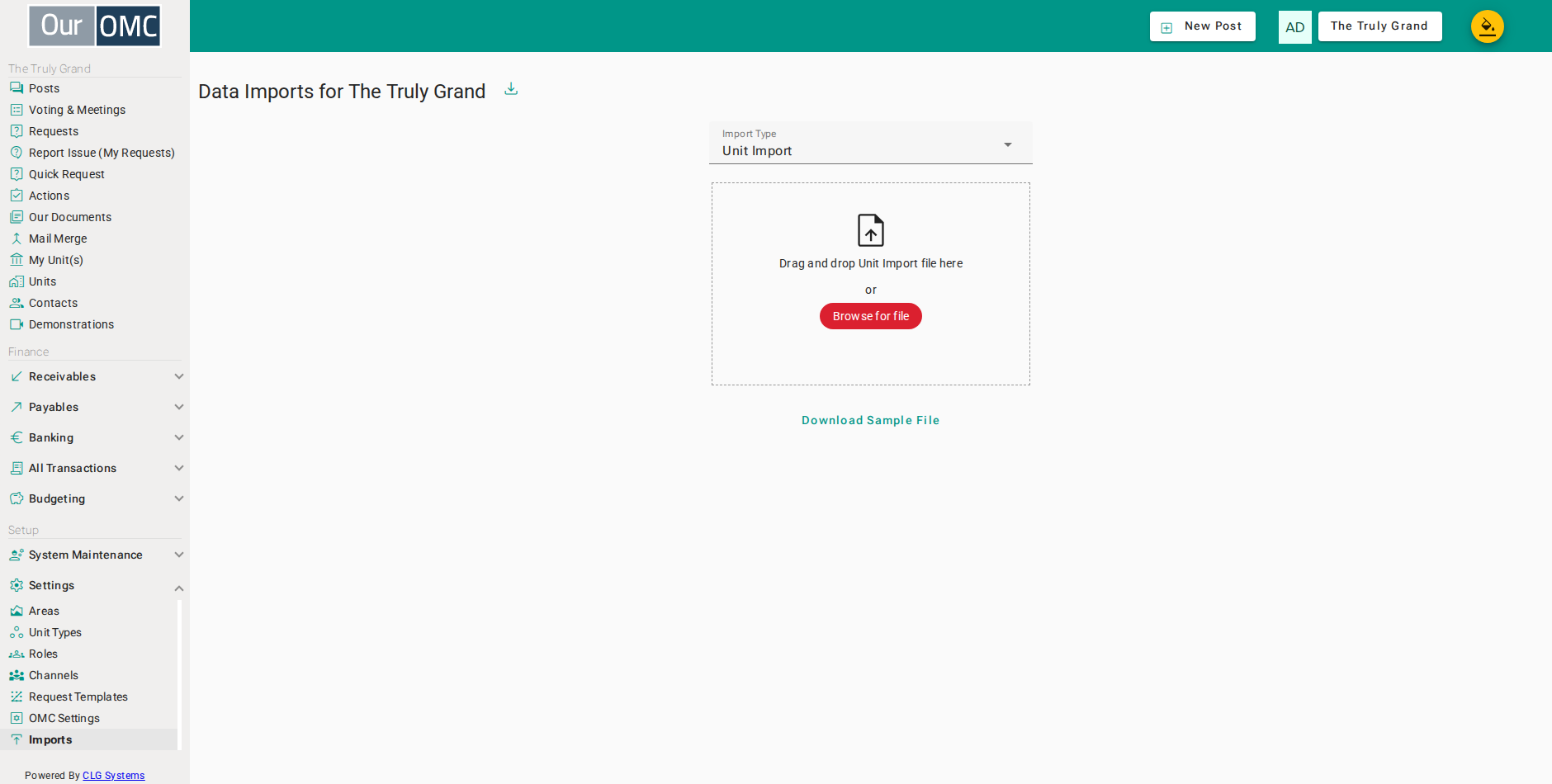
If you have run any previous imports of this type, a table will appear showing the import history — including the date, status, number of rows processed, and any errors encountered.
Unit Import
Section titled “Unit Import”Importable fields: Unit Name, Unit Address, Type, Category, Unit Size, Bedrooms, Floor, Car Spaces, Area, Core, Unit Notes, and per-schedule percentage columns.
Contact Import
Section titled “Contact Import”Importable fields: Unit (links the contact to a unit), Title, First Name, Person Last Name, Email, Phone, Address, Notes, Role, From Date, To Date, Entity Type, Contact Type, and IntegrationId.
How To
Section titled “How To”For step-by-step walkthroughs of running each import type, see Creating an OMC.