
Posts
Posts are notices and announcements published by the OMC for owners and residents to see. They appear under “posts” in the application menu, managers can send notifications by email when posts are created. Such notifications include a complete copy of the post, so users will receive all the information to their inbox, even if they do not login to the system to see it.
Posts are useful for timely information, e.g. maintenance alerts, upcoming works, AGM announcements and general development news.
For long lived information, such as house rules etc., Documents should be used.
Residents have access to the residents channel. Owners have access to both the residents channel and the members channel.
Additionally, posts can be directed to specific areas or unit types within the development.
Posts are sent by channel, and users will see only the posts that are pertinent to them.
The examples below show the portal as viewed by an owner. Owners can see posts in both the residents channel and the members channel, but do not have access to the directors channel. Residents can see the residents channel only.
Posts are read-only in the resident portal — owners and residents cannot create or edit them. Posts are created and managed by the property manager through the Managers section. “Read-only” refers to the portal view; owners and residents can still reply to a post notification email, which raises a new service request with the OMC.
List View
Section titled “List View”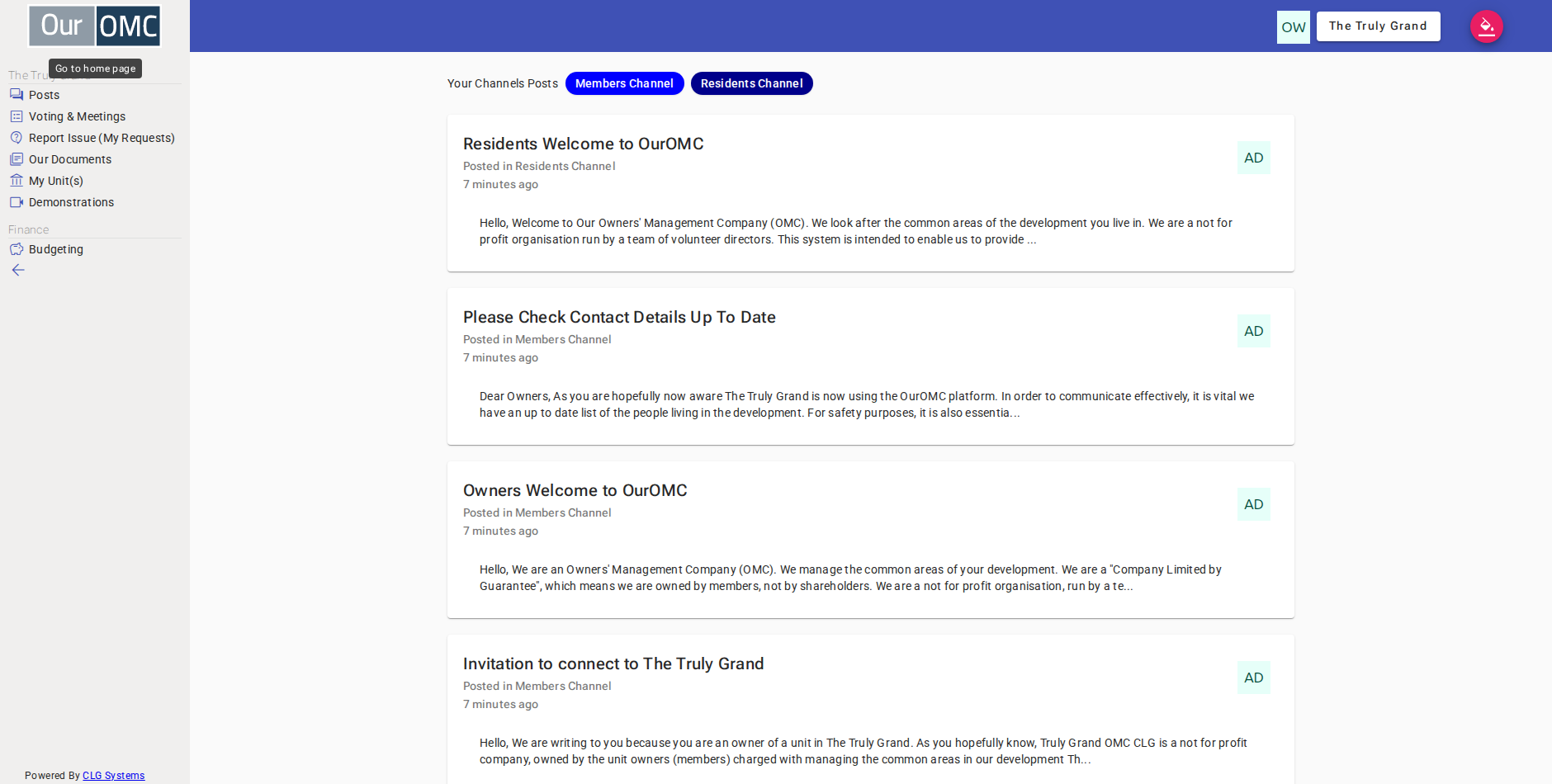
Examples
Section titled “Examples”Reading a Post
Section titled “Reading a Post”Browse the posts list and open an announcement to read the full content.
- Click [Posts] on the main menu
- The owner can see all 5 posts across the public, residents and members channels — clicking Residents Channel to see residents' posts
- 1 Residents Channel post is shown — clicking Members Channel switches to members' announcements
- 3 Members Channel posts are shown — clicking the active filter again shows all posts
- All posts are visible — clicking "Bin Collection Moving to Tuesdays" to read the full announcement
- The full post content can be read